



Catalog · 8 apps

My Apps

Here are some apps I've built independently in my spare time, handling everything from product design to UI design. For the coding part, I've been using agentic coding tools since 2025, primarily relying on OpenAI Codex, Google Antigravity and SpaceXAI Grok.

SubList icon
SubList
Track subscriptions, renewals, and spending in one place with reminders, analytics, and iCloud sync.
Finance · iOS · iPadOS · macOS
GET

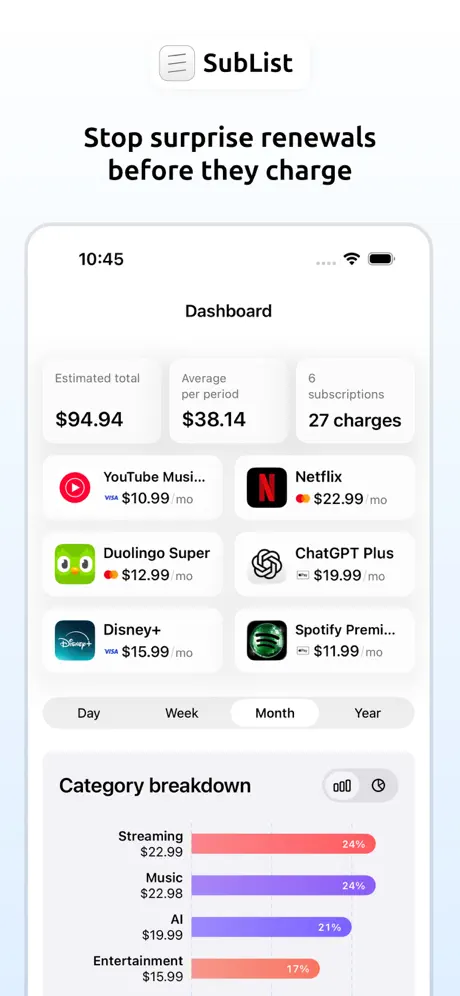
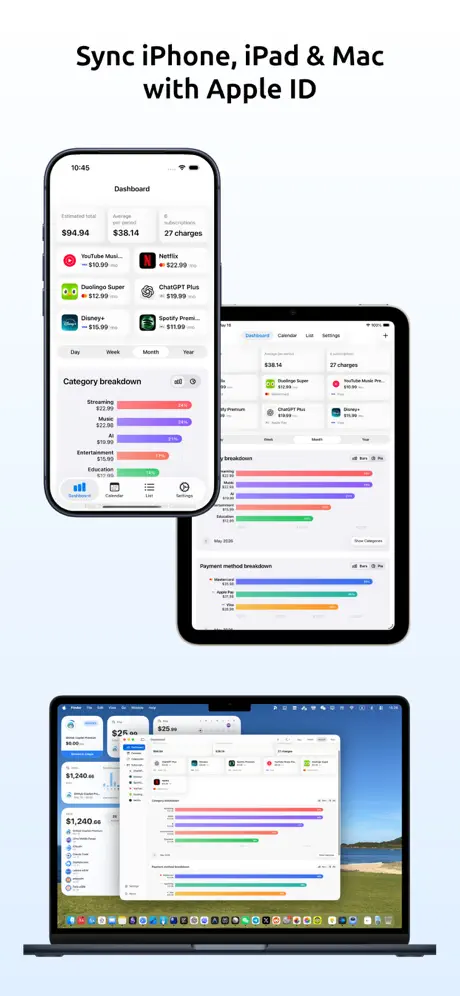
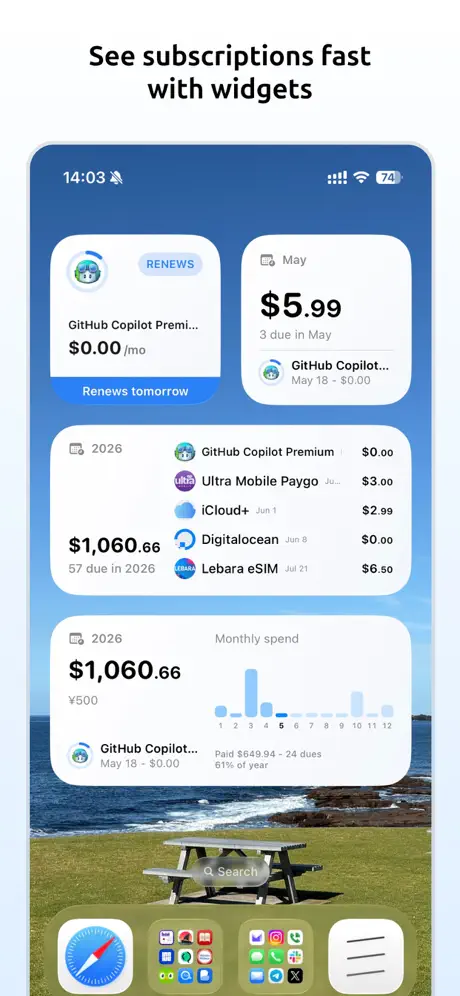
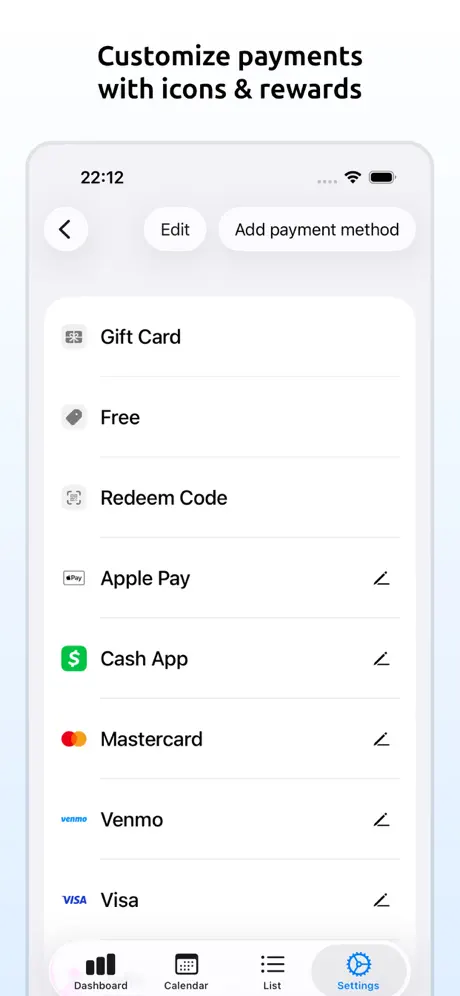
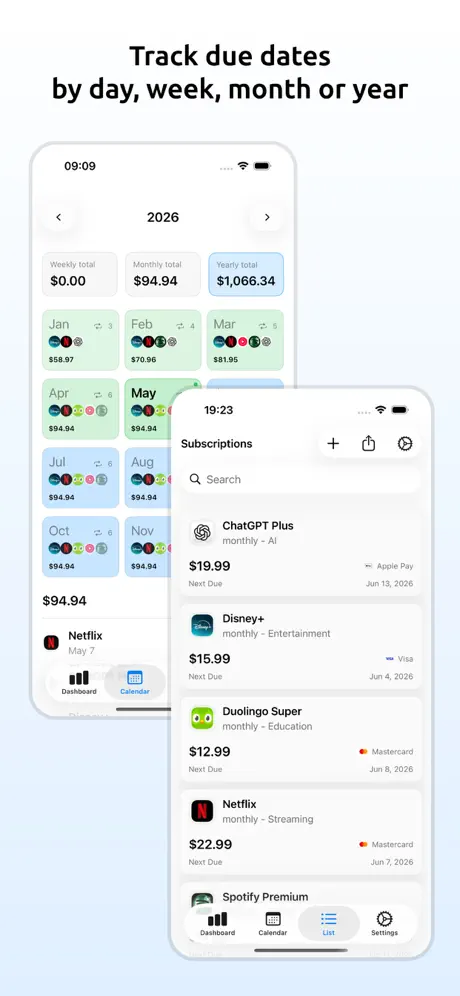
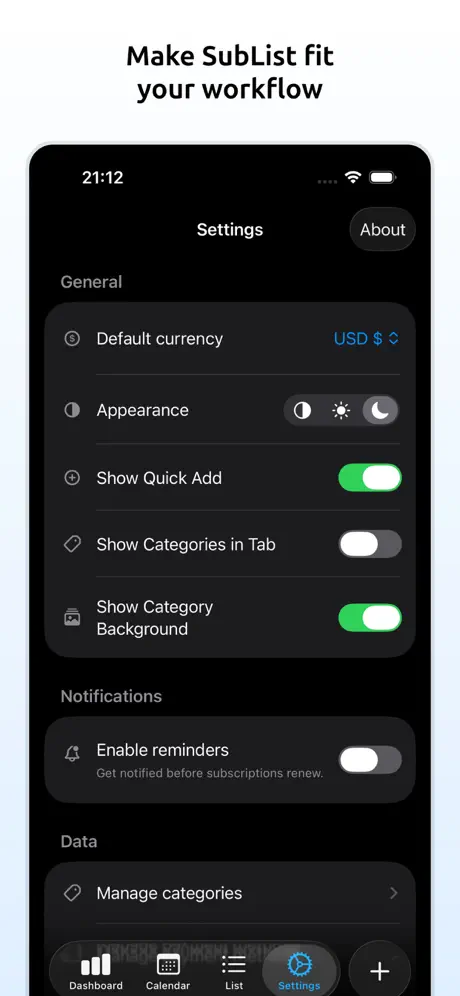
Stop surprise renewals and see exactly what your subscriptions cost. SubList is a private subscription tracker for your iPhone, iPad, and Mac, with reminders, calendar views, and clear monthly and yearly totals. Everything in one place: - Track subscriptions with price, currency, billing cycle, category, notes, and website links - Import subscriptions from screenshots by reviewing detected details before you add them - Import subscriptions from the App Store with app details, icons, and supported in-app purchase pricing - Get renewal reminders on your schedule with optional on-device notifications - See upcoming payments in calendar and due-date views - Check your subscriptions at a glance with widgets - Understand your spending with dashboards, trend charts, and category and payment method breakdowns - Share due events to Apple Reminders and Apple Notes - Sync with iCloud across your Apple devices - Export your data to CSV anytime Private by design: - No account signup required - Your subscription data stays under your Apple ID in iCloud - SubList keeps your subscription details in iCloud, while limited purchase, app activity, crash, and device identifier data may be used for subscriptions, app reliability, and ad measurement SubList Pro: - Unlimited subscriptions (free tier supports up to 3) - Use SubList Pro on all your devices with the same App Store account - Buy once, use everywhere on your account Download SubList to stay ahead of every renewal and keep your recurring spending under control.

SwiftyMenu icon
SwiftyMenu
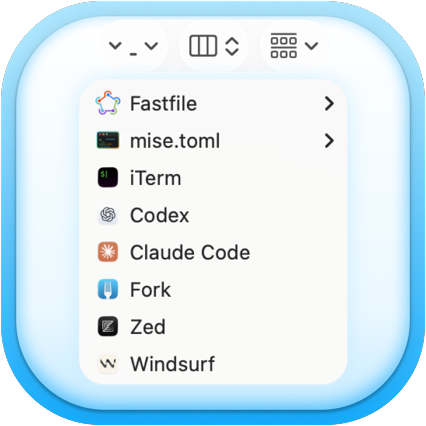
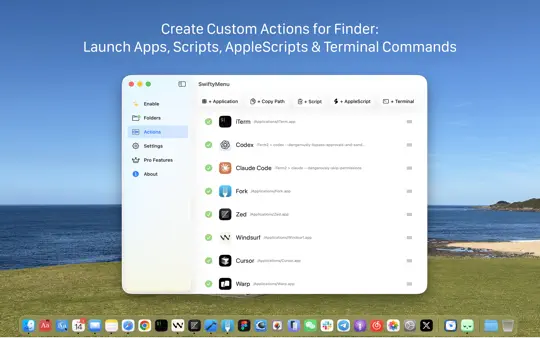
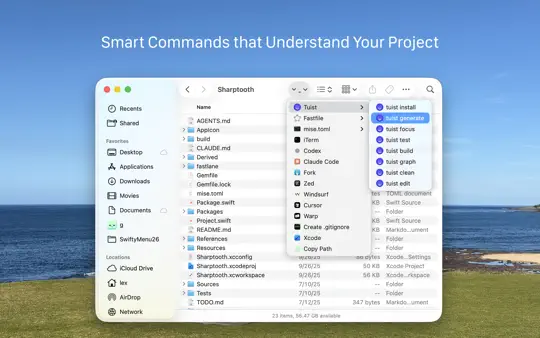
A Finder extension which presents a customizable menu to rapidly open selected folders or files with your favorite applications.
Utilities · macOS
GET

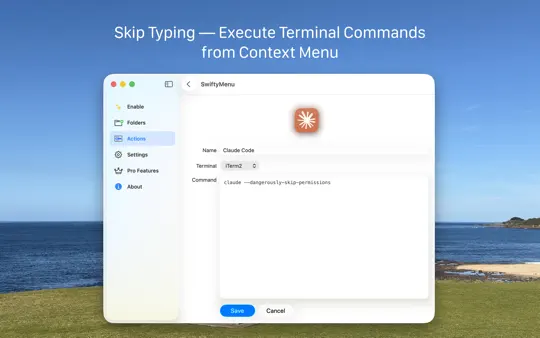
SwiftyMenu is a powerful macOS Finder extension that enhances your workflow with customizable context menus for quick file and folder operations. Key Features: • Custom Context Menus: Right-click any file or folder to access your personalized menu of applications and scripts • Multiple Action Types: Launch applications, execute shell scripts, run AppleScript, or open terminal commands • Smart Integration: Seamlessly integrates with macOS Finder using the FinderSync framework • Terminal Support: Built-in support for popular terminal applications like Terminal, iTerm2, and more • Script Execution: Run custom bash, zsh, or AppleScript with selected files as parameters Perfect for developers, power users, and anyone who wants to streamline their file management workflow with personalized shortcuts and automation. Privacy: SwiftyMenu does not collect any personal data from your files or system. All operations are performed locally on your Mac.

Sharptooth icon
Sharptooth
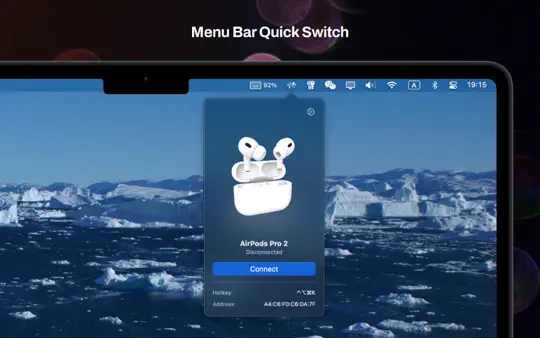
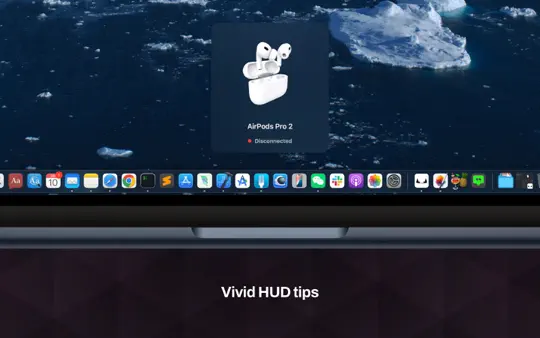
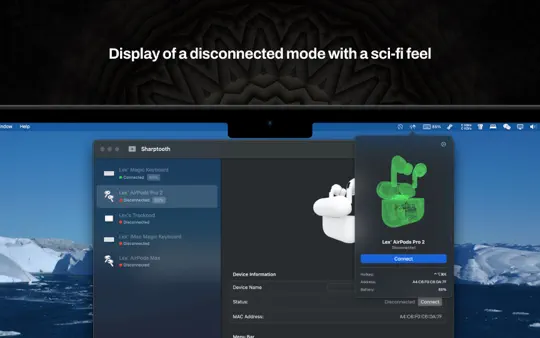
Effortlessly manage your Bluetooth devices right from the menu bar with custom hotkeys and smart automation.
Utilities · macOS
GET

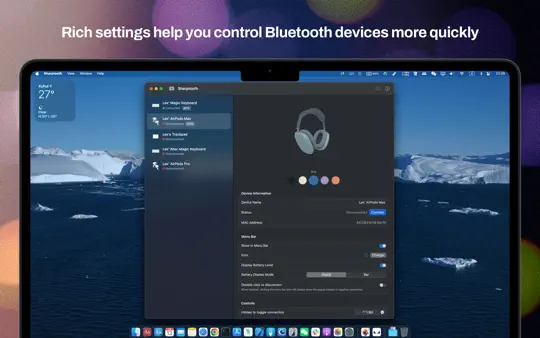
Control your Bluetooth devices from the menu bar on Mac. Connect headphones, wireless earbuds, keyboards, mice, and speakers with one click or a keyboard shortcut—without opening System Settings. Why you'll love Sharptooth: • One-Click Control: Connect or disconnect devices right from the menu bar • Custom Hotkeys: Assign keyboard shortcuts for faster switching • Battery Monitoring: See menu bar battery levels, including individual earbud levels • Smart Alerts: Get low-battery notifications and connection HUD updates • Automation Scripts: Run custom scripts when devices connect or disconnect • Device Customization: Set custom names, icons, and images for quick recognition • Helpful Details: Check connection state, signal strength, and MAC address at a glance Perfect for: - Managing multiple Bluetooth devices throughout the day - Professionals who switch between different peripherals - Anyone who wants quick access to device controls without system navigation Supported Devices: Headphones, wireless earbuds, speakers, keyboards, mice, and other Bluetooth devices paired with your Mac. Requirements: macOS 15.0 or later Take control of Bluetooth on your Mac with Sharptooth—faster connections, clearer battery info, and shortcuts that save time every day.

RegEx+ icon
RegEx+
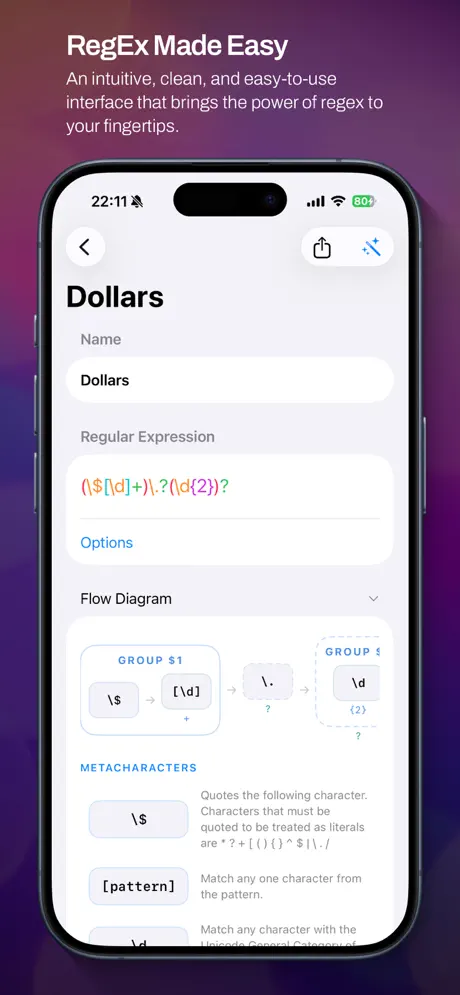
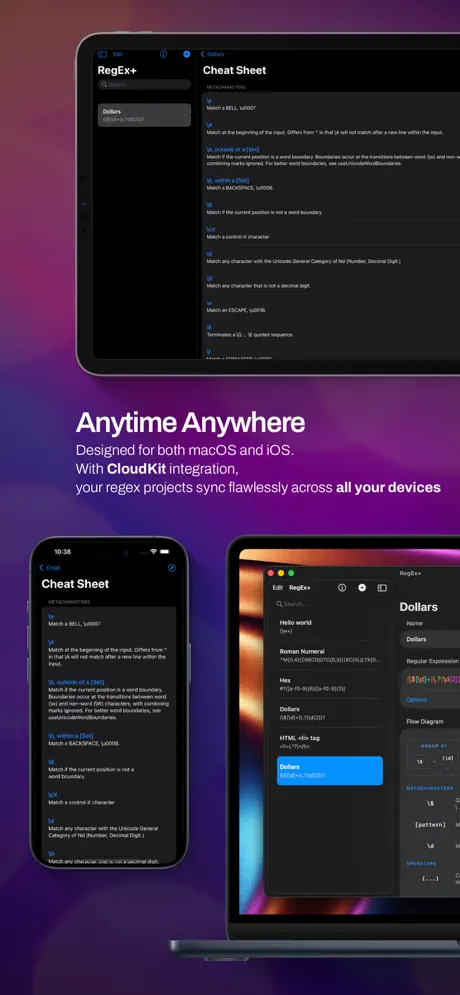
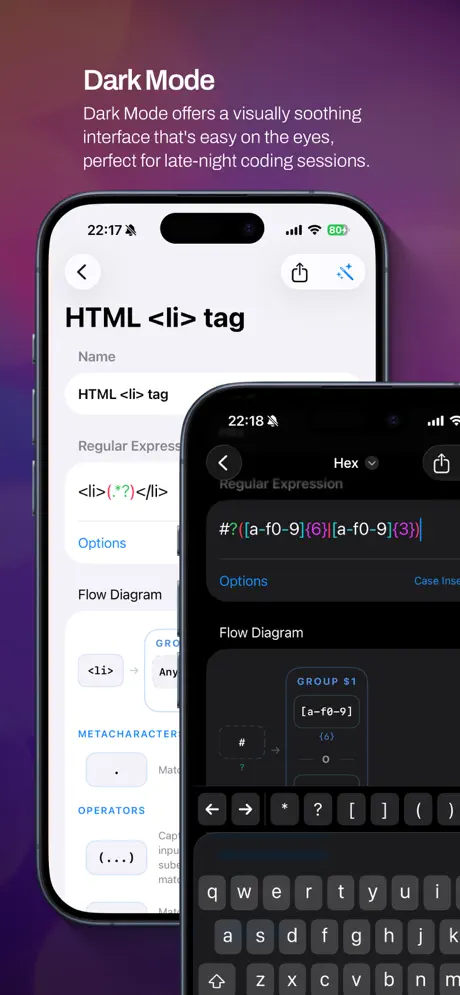
An app to test your regular expressions with live matching.
Developer Tools · iOS · iPadOS · macOS
GET

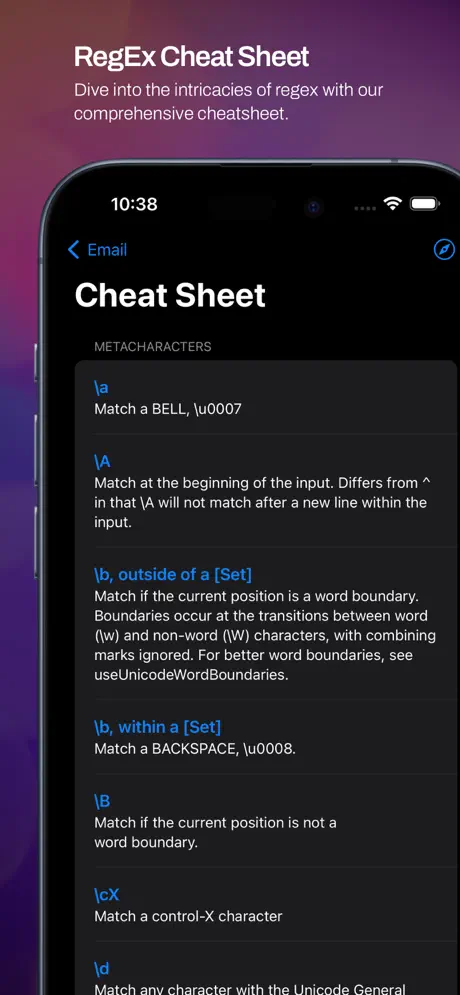
Visualize, test, and master regular expressions with RegEx+. RegEx+ is a focused regex toolkit for developers on iPhone, iPad, and Mac. Build and test patterns live, then instantly see how they work with interactive flow diagrams — a visual breakdown of every part of your regex. KEY FEATURES • Flow Diagrams — See your regex as a diagram. Instantly understand how each token, group, and quantifier connects. • Live Matching — Results update as you type. Match, capture, and replace in real time. • Cheat Sheet — A comprehensive reference for metacharacters, anchors, groups, and operators. Always one tap away. • Pattern Library — Save and organize your patterns. Sync across all your devices via CloudKit. • Multi-language Support — Available in English, French, German, Spanish, Italian, Japanese, Dutch, Polish, and Chinese. Whether you're debugging a complex pattern or learning regex from scratch, RegEx+ gives you the tools to understand what your expression actually does. Download RegEx+ and start writing better regex today.

LiveExtractor icon
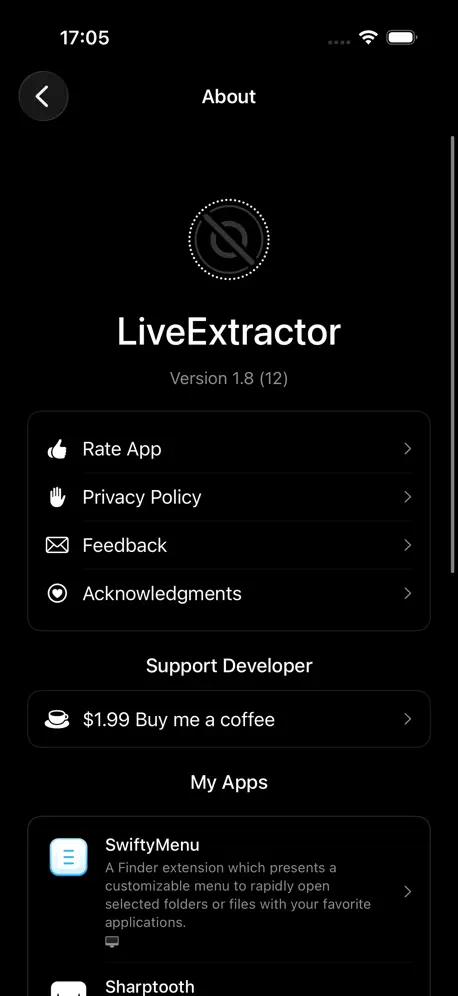
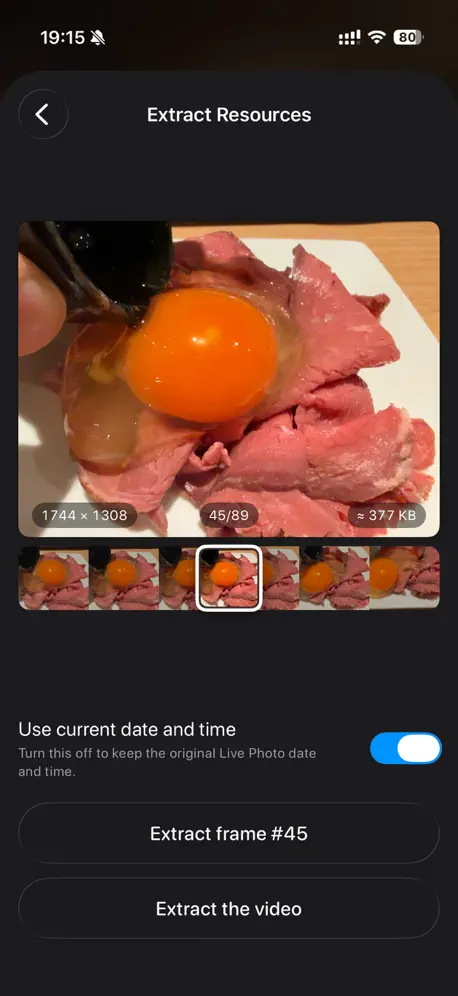
LiveExtractor
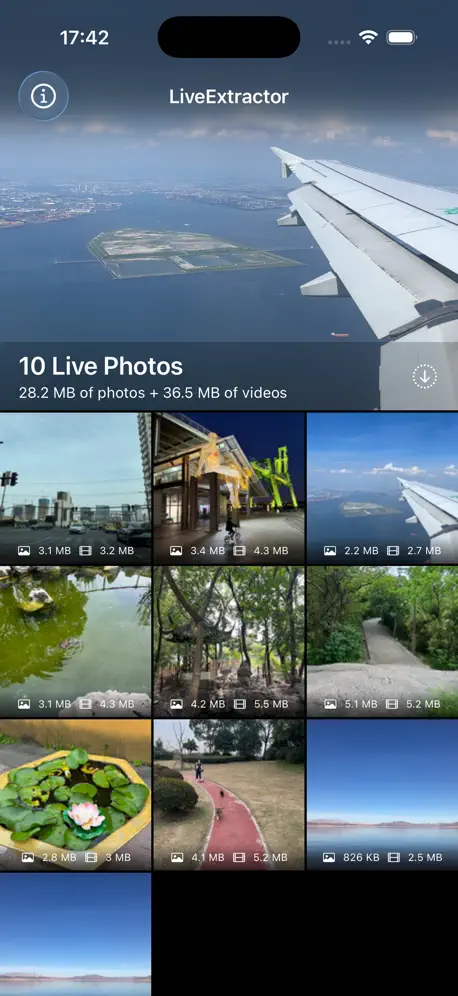
Extract individual photos and videos from your Live Photos across all your Apple devices.
Photo & Video · iOS · iPadOS · macOS · visionOS · tvOS
GET

Bring your Live Photos to life with LiveExtractor! Ever wanted to save just the perfect still frame from a Live Photo? Or share the video clip separately? LiveExtractor makes it easy. Key Features: * Extract Still Photos: Get high-resolution still images from your Live Photos. * Extract Video Clips: Save the video component of your Live Photos as a separate file. * Simple & Fast: A straightforward interface for quick extraction. * Privacy First: All processing is done directly on your device. Your photos and videos are never uploaded or shared. Download LiveExtractor today and get more out of your Live Photos!

cmd+x icon
cmd+x
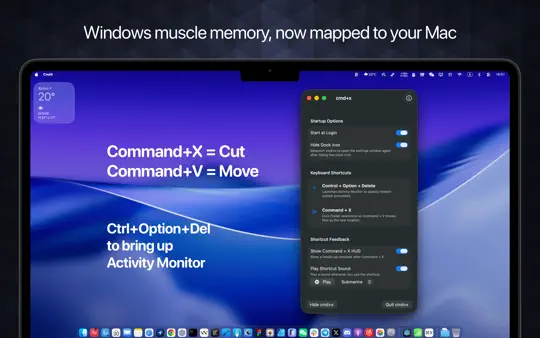
Keep Windows muscle memory alive on macOS. Launch Activity Monitor with Ctrl+Opt+Delete, cut and move files in Finder with Cmd+X.
Utilities · macOS
GET

cmd+x keeps Windows muscle memory alive on macOS 15+. Launch Activity Monitor with Control+Option+Delete, cut-and-move files in Finder. - Control+Option+Delete opens Activity Monitor (shortcut fully customizable) - Command+X/Command+V becomes a true cut-then-move workflow in Finder - Start at login, hide the Dock icon, and stay out of the way while you work Privacy: cmd+x does not collect any personal data from your files or system. All operations are performed locally on your Mac.

DesignMyClock icon
DesignMyClock
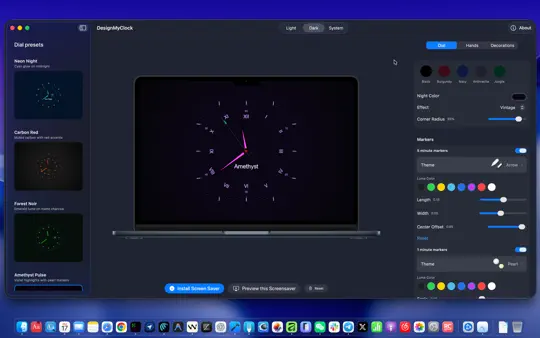
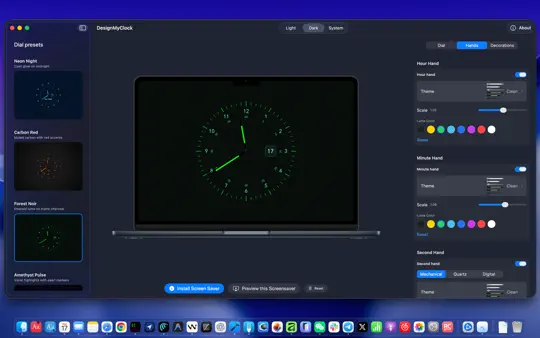
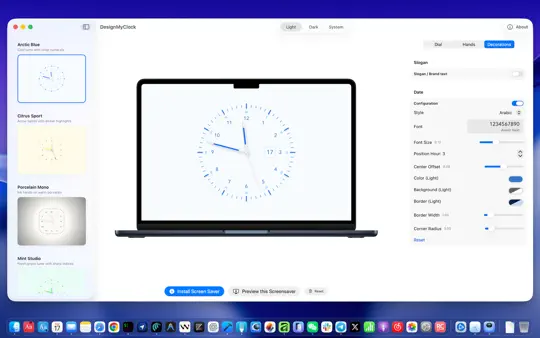
Design custom analog clock faces that sync with a screensaver for macOS.
Utilities · macOS
GET

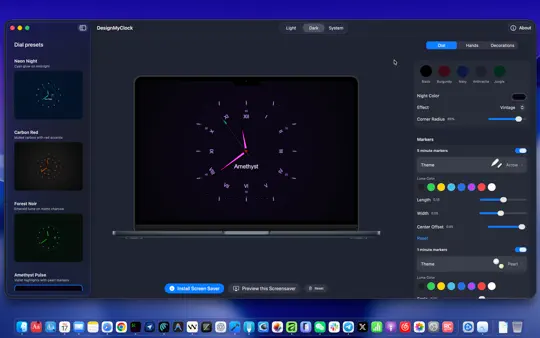
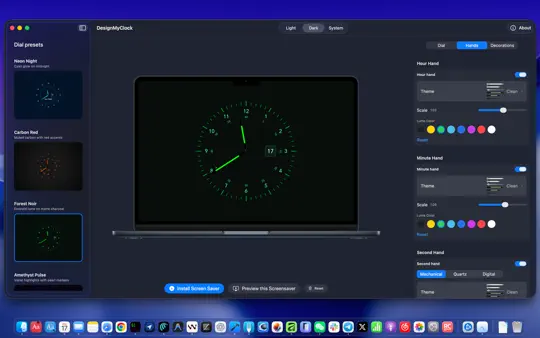
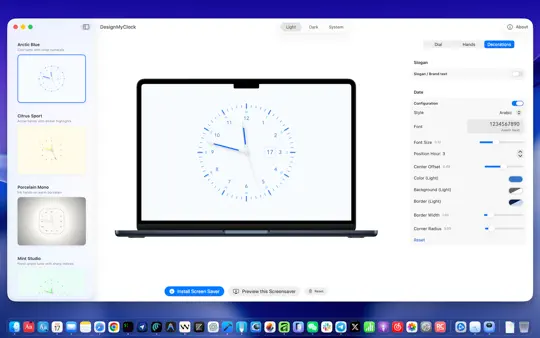
DesignMyClock is the most beautiful clock screensaver for Mac. Design an analog or digital clock face that matches your style — then watch it come alive whenever your display rests. Whether you prefer a clean minimal dial, a bold geometric face, or a softly glowing gradient backdrop, DesignMyClock gives you full control. Every setting you choose carries over to the built-in screensaver automatically, so your Mac always looks exactly the way you designed it. — Features: • Analog clock with adjustable hands, markers, rings, and date display • Digital clock mode for a clean, modern look • Full color control — solid colors, gradients, and custom backgrounds • Customize minute and hour rings independently • Minimalist or bold marker styles to suit your aesthetic • Smooth, carefully timed animations optimized for always-on displays • One-tap screensaver install and reload — no manual configuration — Perfect for: • A beautiful idle display on your desk or studio setup • Anyone who wants more from their Mac screensaver than a blank screen • Designers, photographers, and anyone who cares about how their workspace looks — Free to download. No subscription. Just a great clock.